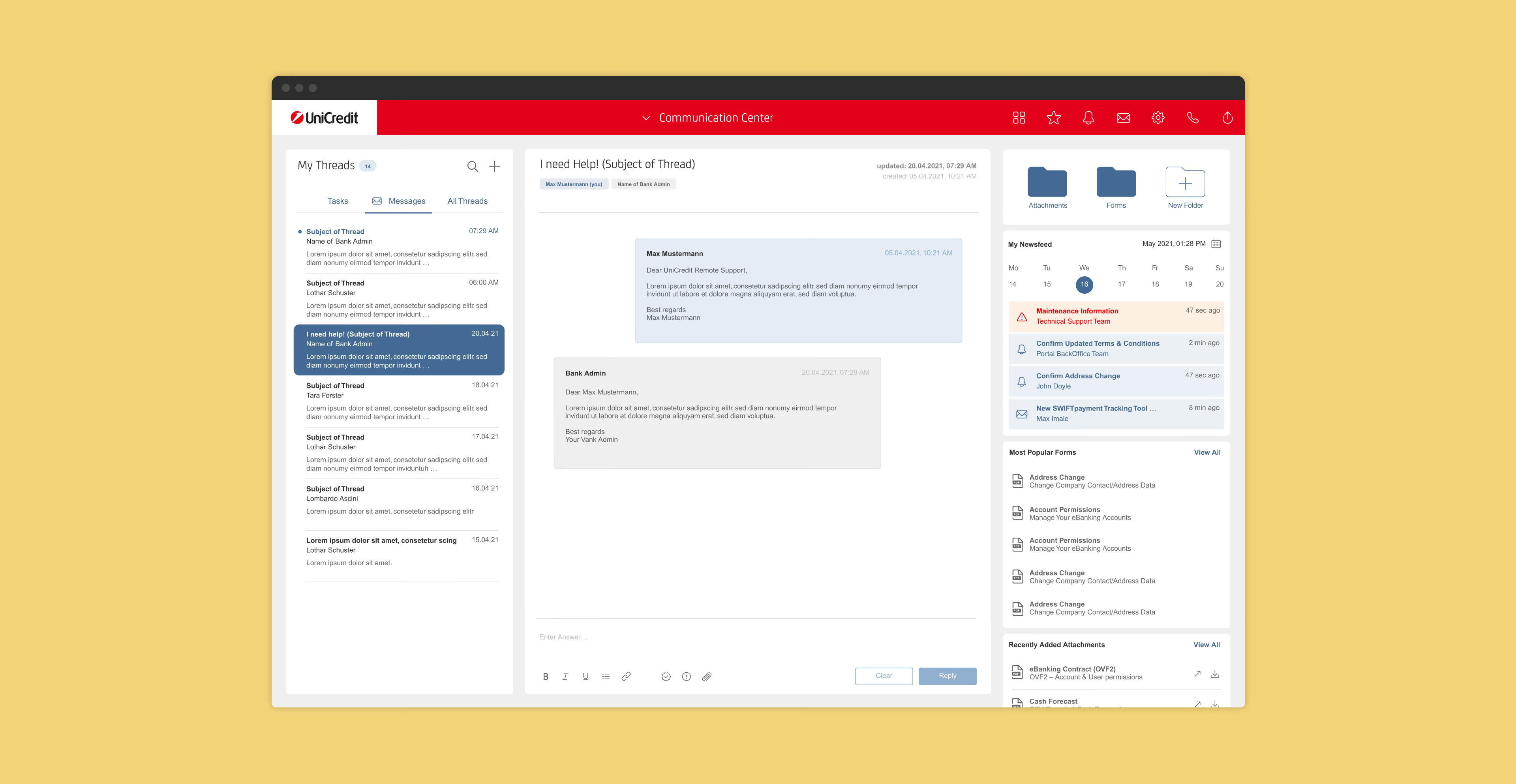
Connecting Conversations
Designing a Cohesive Communication Experience
Starting Point for New Possibilities
Scope
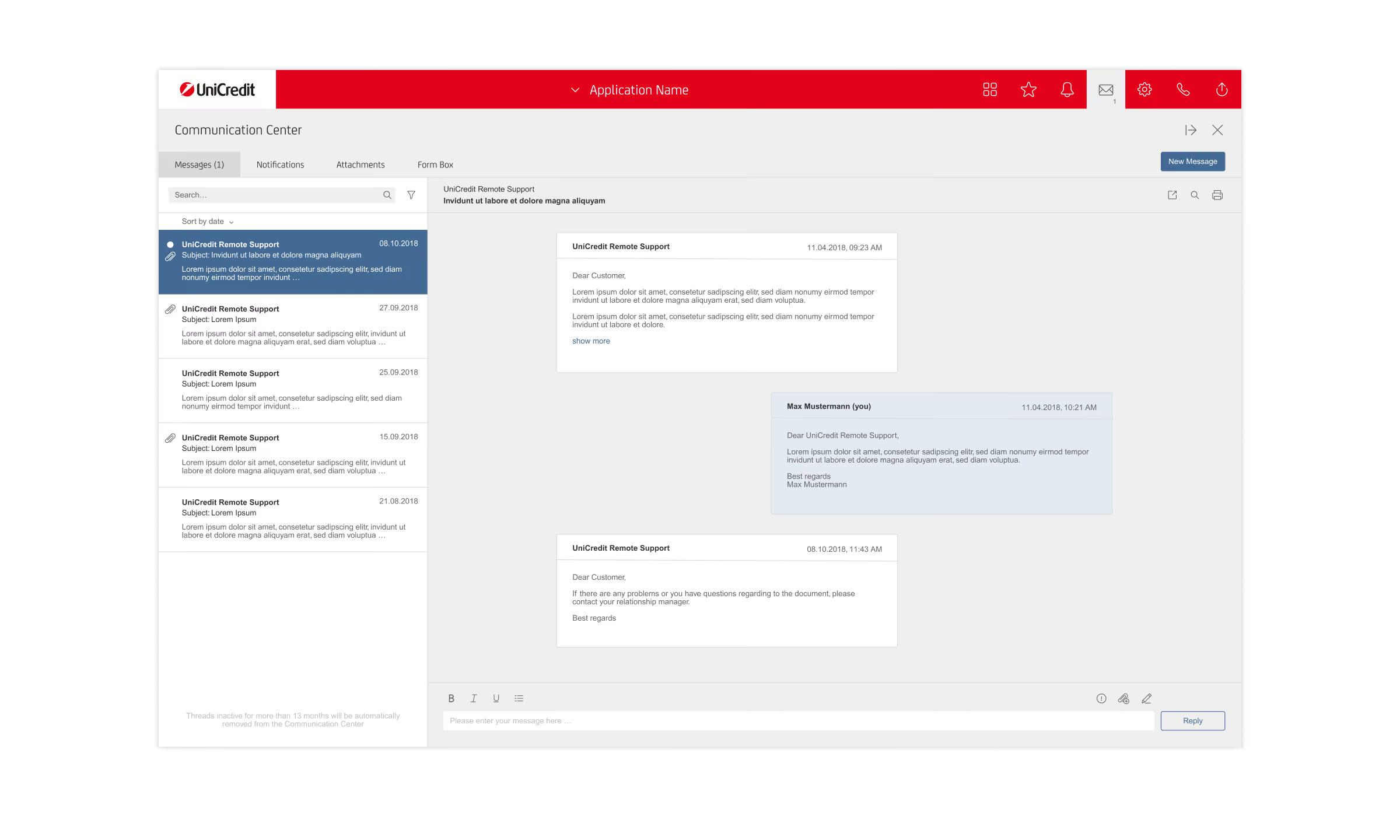
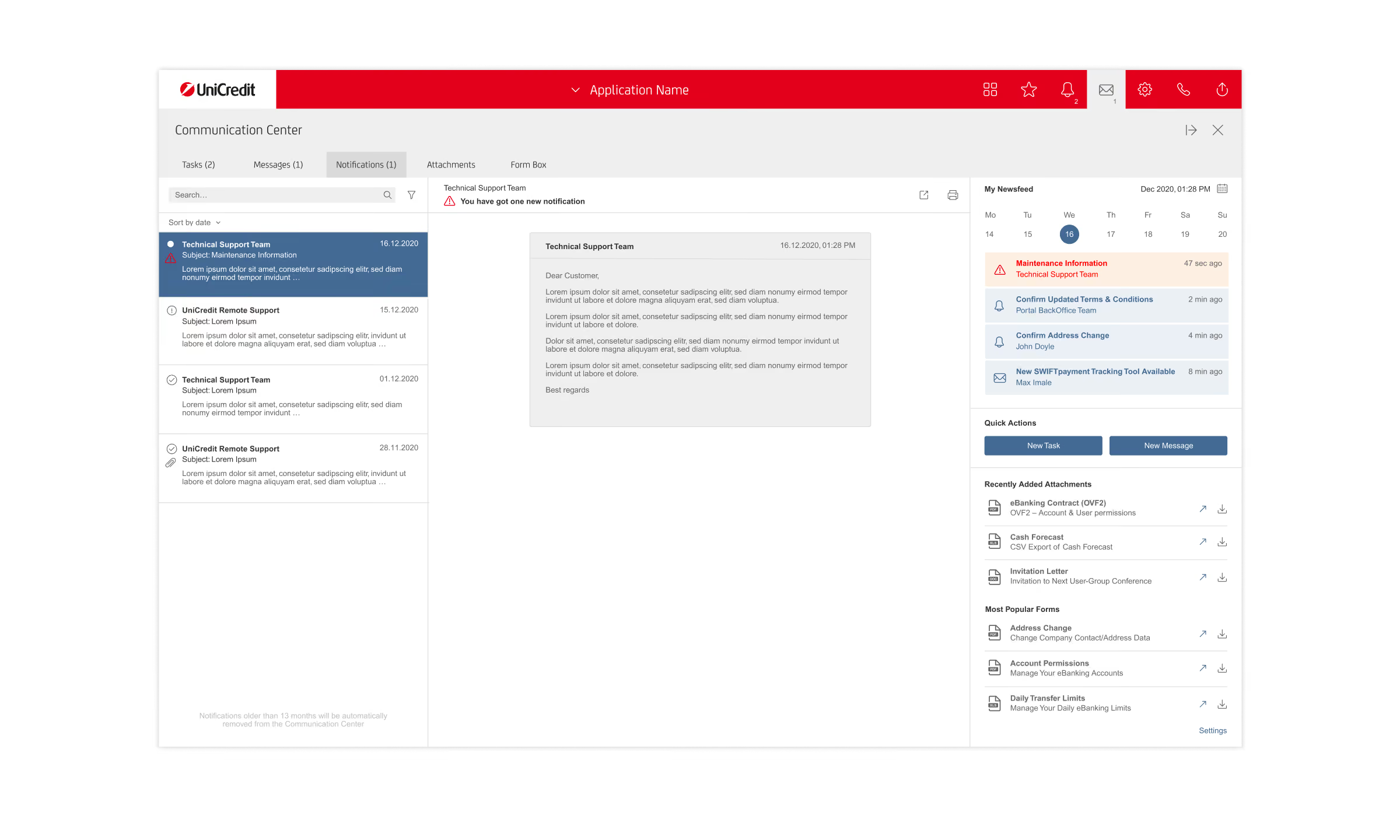
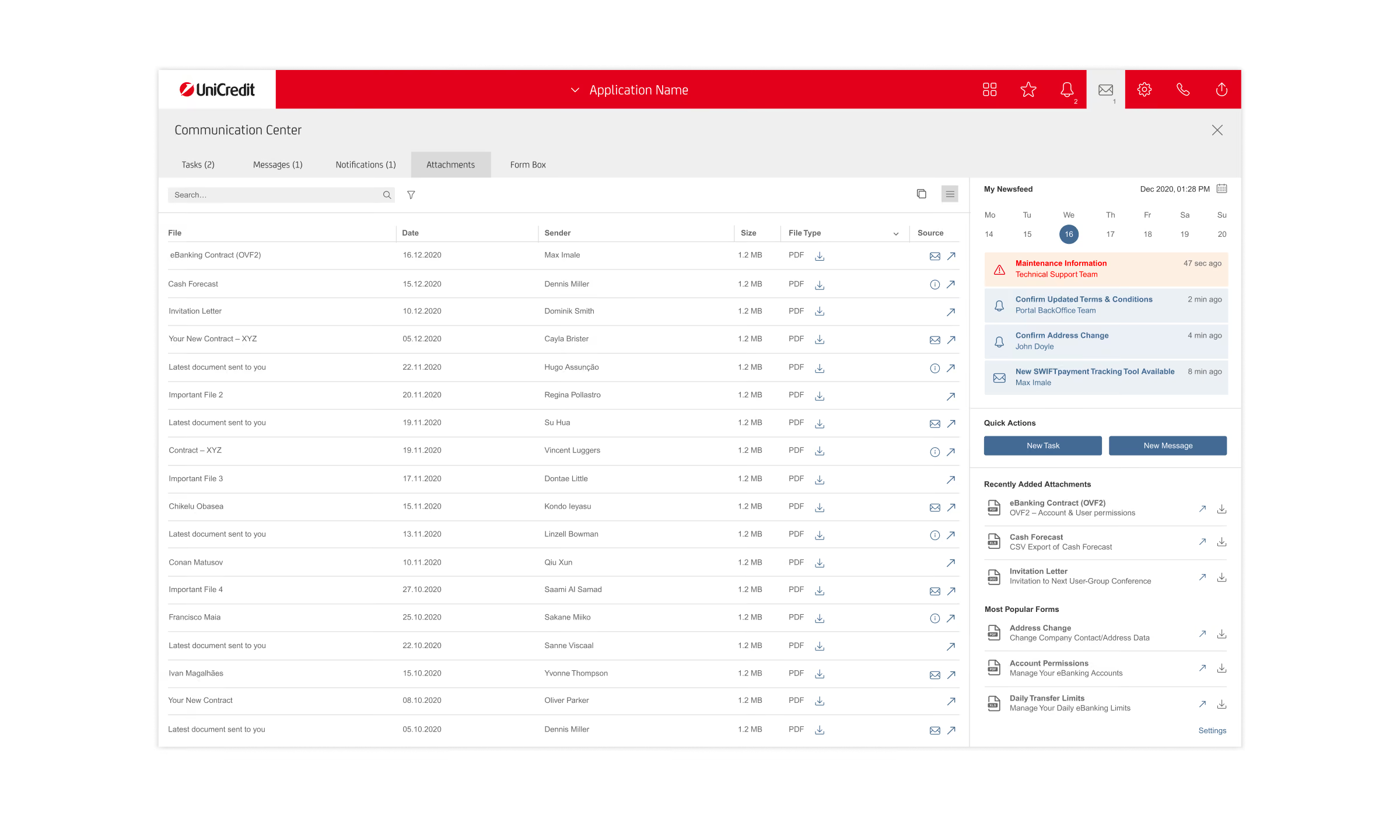
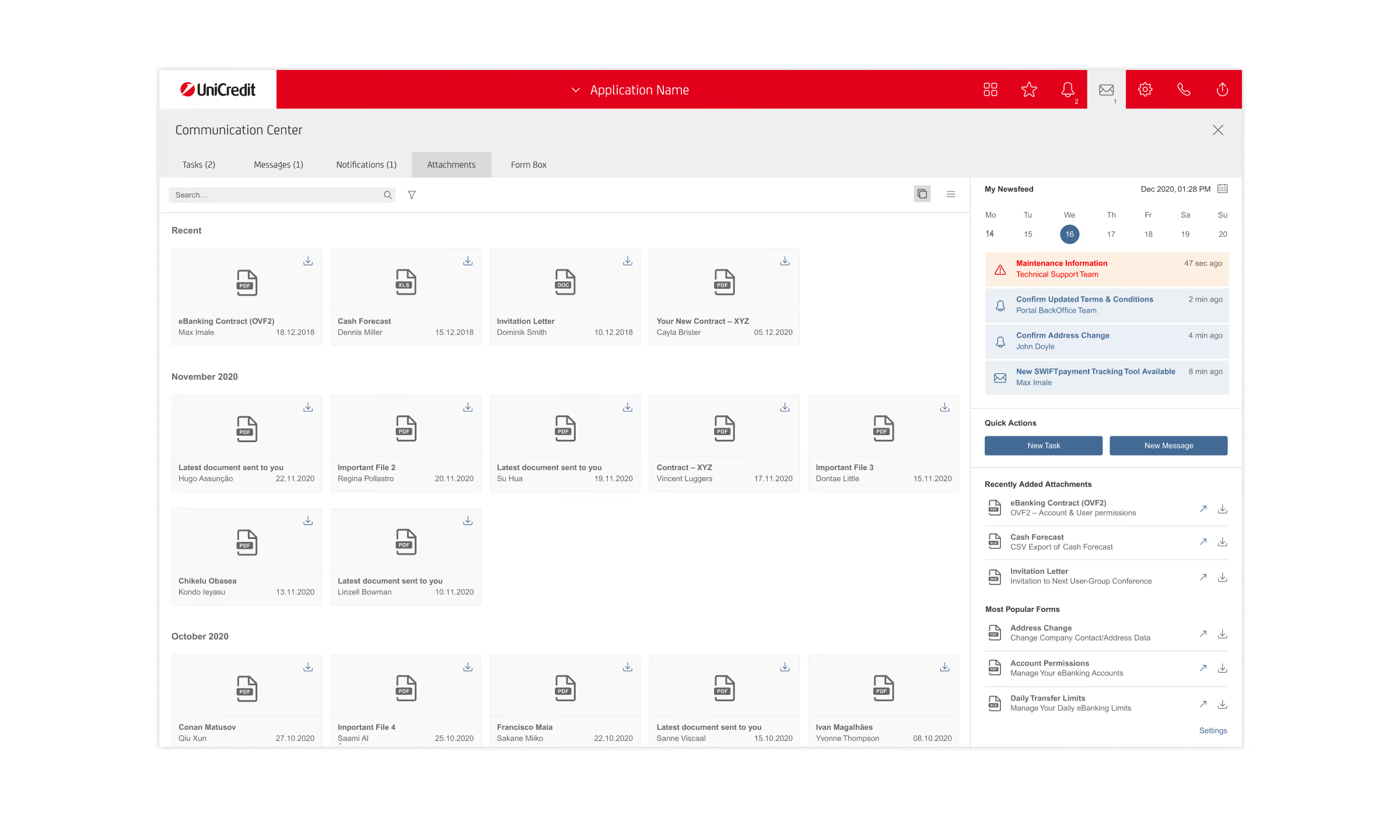
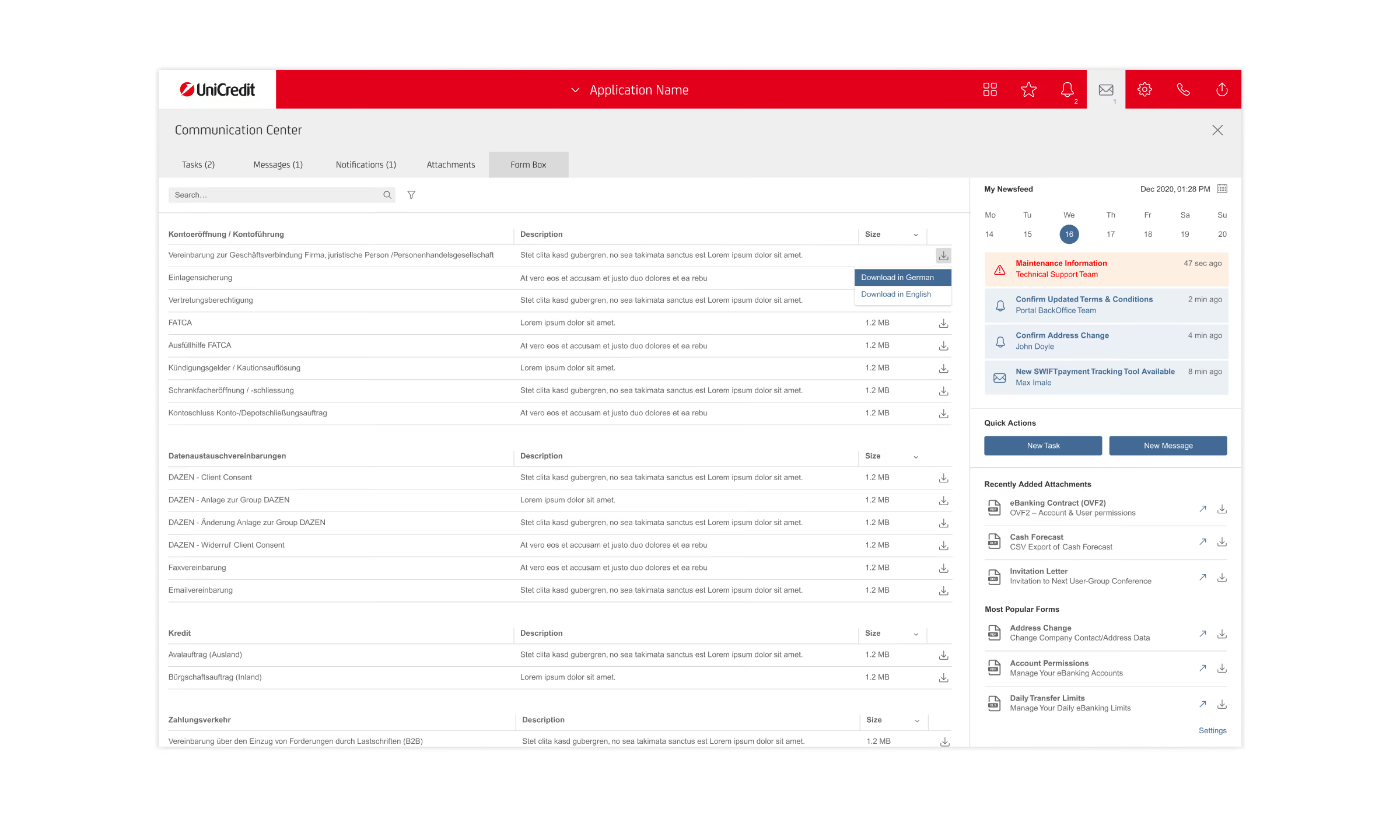
The scope focused on building upon the basic solution and evolving it into a more cohesive and efficient experience for managing conversations like messages and tasks inside the Communication Center.
The challenge was to understand complex user needs, identify relevant tools and best practices, and develop smart solutions that simplify everyday workflows for bank employees and corporate customers.
As requirements evolved, flexibility and rapid iteration were essential. I translated user needs into practical design solutions, prioritized essential features, iterated on concepts with the Scrum team, and delivered finalized designs ready for development.
Exploring Functional Spaces and Features
Exploring Functional Spaces and Features
Exploring Functional Spaces and Features
Exploring Functional Spaces and Features
Exploring Functional Spaces and Features
Exploring Functional Spaces and Features
Process
Explore & Drafts
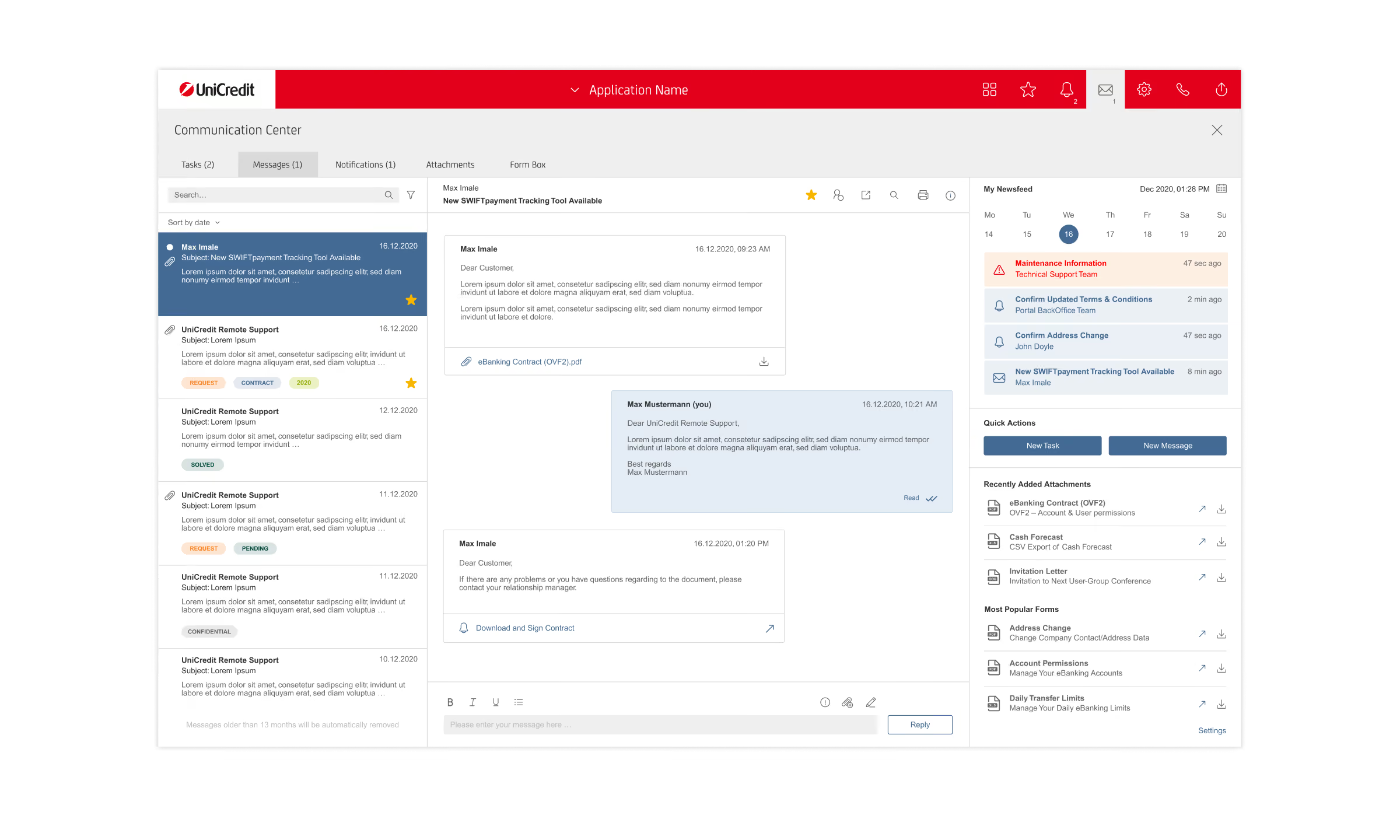
Based on the initial version of the Communication Center, I explored different concepts and functionalities to enhance the user experience. This included improving the structure of functional areas, expanding the capabilities of message threads, and exploring additional layers of navigation and content.
Modular Dashboard Grid of Corporate Portal
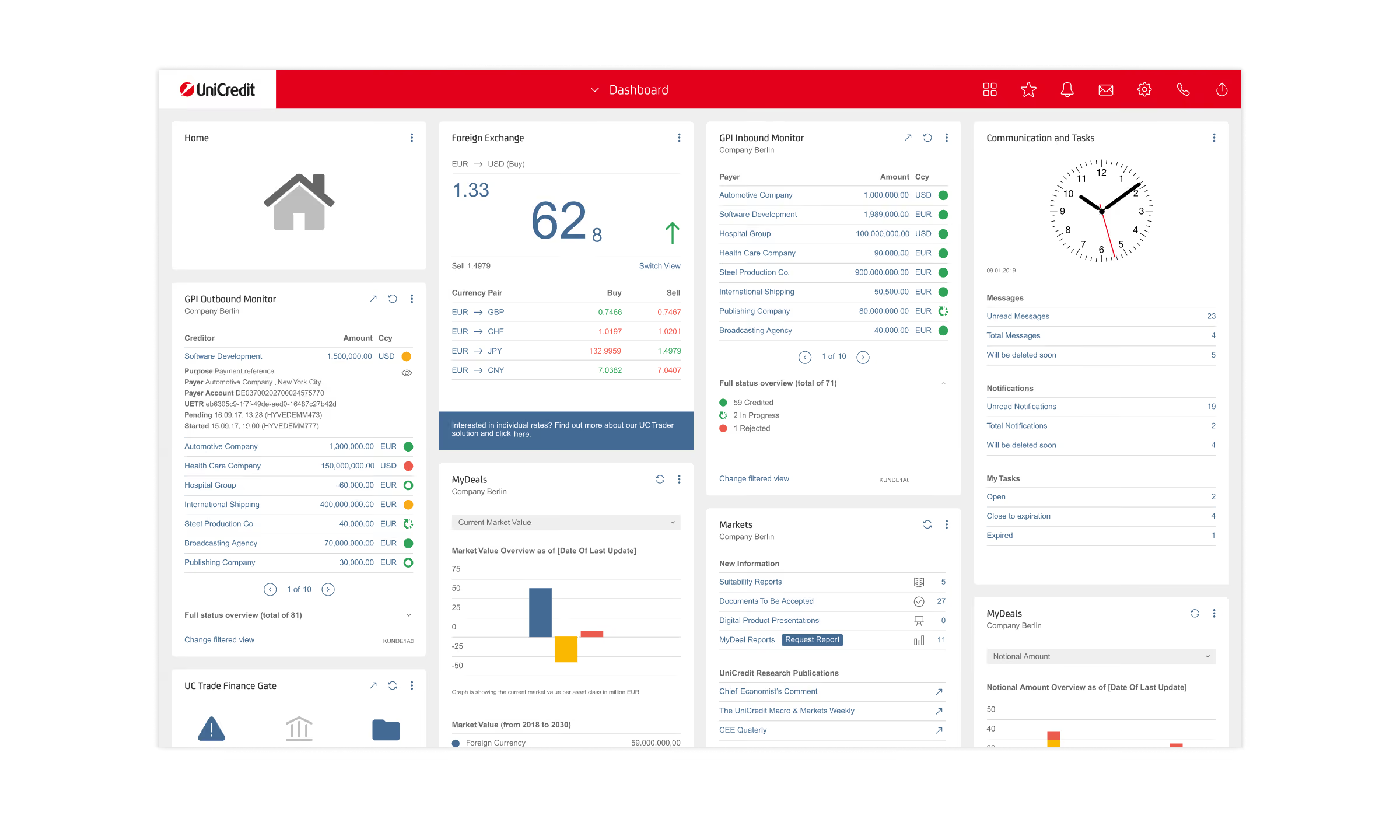
Adaptation of Grid System

Adaptation of Grid System
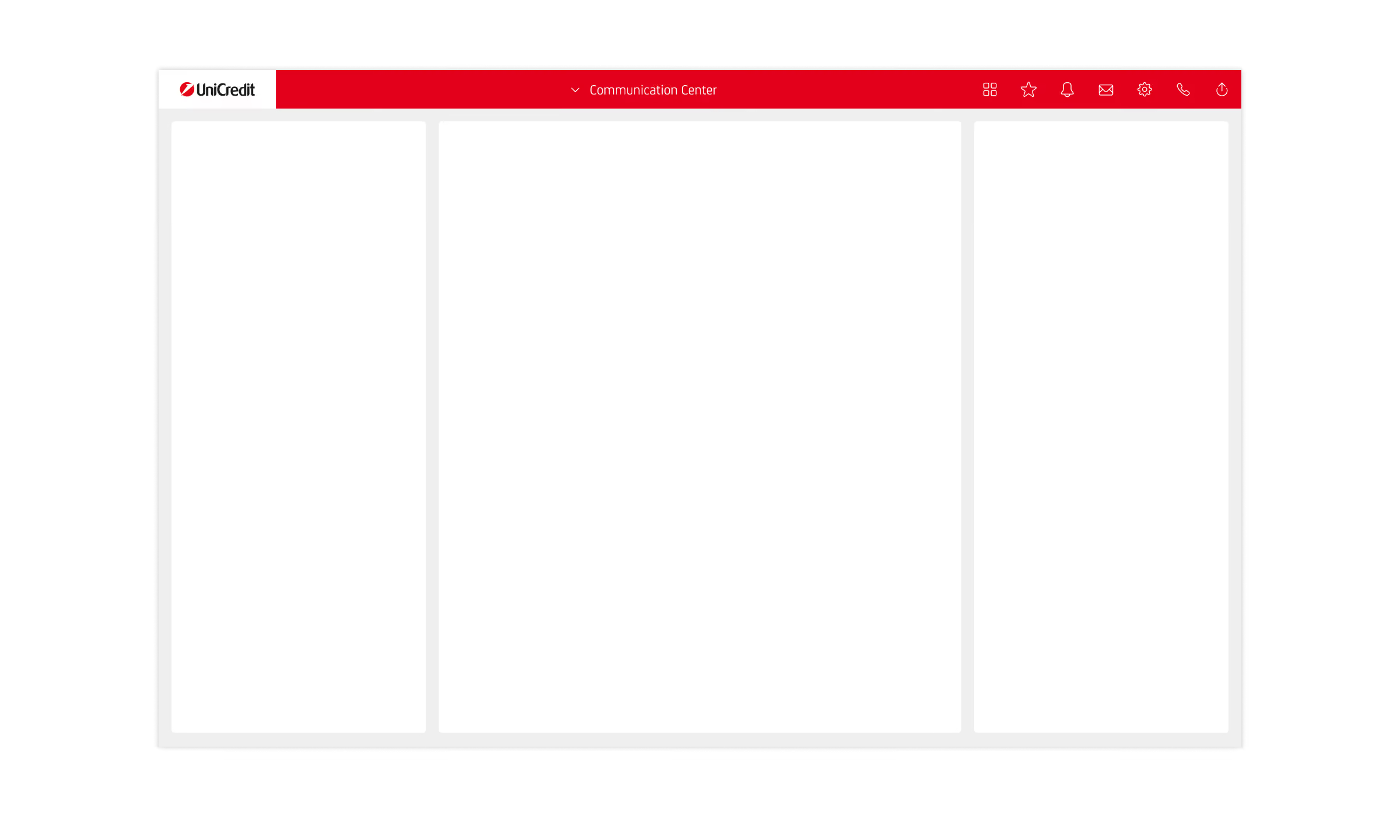
Adaptation of Grid System

Process
Explore & Drafts
Building on the Corporate Portal’s modular widget-based dashboard and layout grid, we applied the same design principles to the Communication Center to ensure visual consistency across applications while creating a lighter, more flexible, and modular interface.
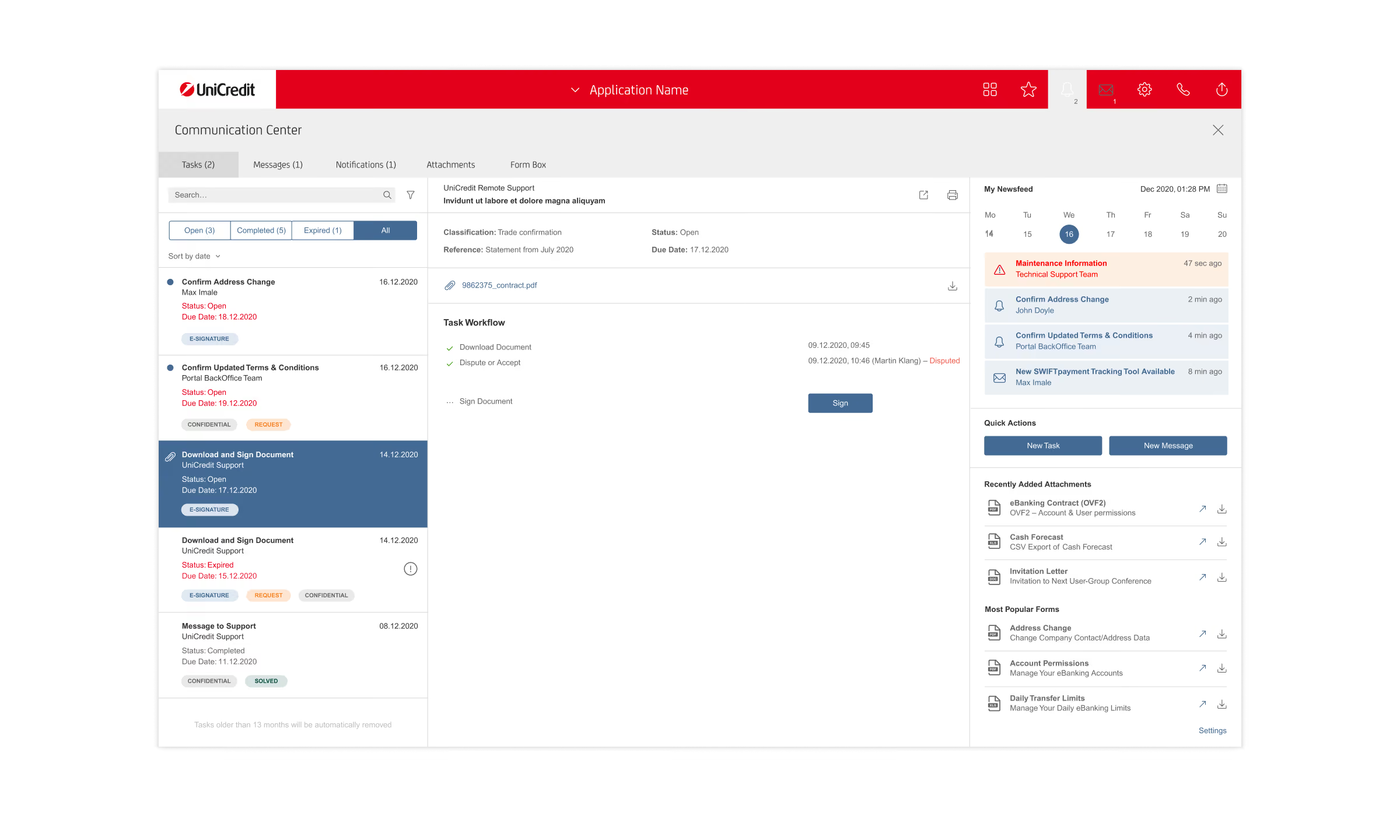
We also streamlined the overall layout by restructuring functional areas, simplifying functionality and navigation, and prioritizing key features. By bringing Messages and Tasks together, we reflected their close relationship and created a more cohesive user experience.
Exploration of Modular »Bricks« Sidebar

Exploration of Modular »Bricks« Sidebar

Exploration of Modular »Bricks« Sidebar

Exploration of Modular »Bricks« Sidebar

Process
Explore & Drafts
This allowed us to push the modular concept further by introducing a right sidebar with configurable content bricks tailored to users’ needs. These bricks provide quick and efficient access to essential information, files, and contacts right where they’re needed most — when managing and composing messages and tasks. By keeping relevant information visible and readily accessible at a glance, the sidebar streamlines everyday workflows and reduces unnecessary navigation.
Exploration of »Drag & drop« Feature

Exploration of »Drag & drop« Feature and Expandable »Bricks«

Process
Explore & Drafts
We further enhanced the experience with drag-and-drop functionality, allowing users to add documents, files, and contacts from the sidebar directly to conversations. This reduced unnecessary clicks and made everyday workflows faster and more intuitive.
Additionally, users can expand individual brick panels to access detailed information and more advanced functionalities for managing and organizing documents, files, and contacts.
Elaboration of »Messages« Workflows

Elaboration of »Messages« Workflows

Elaboration of »Messages« Workflows
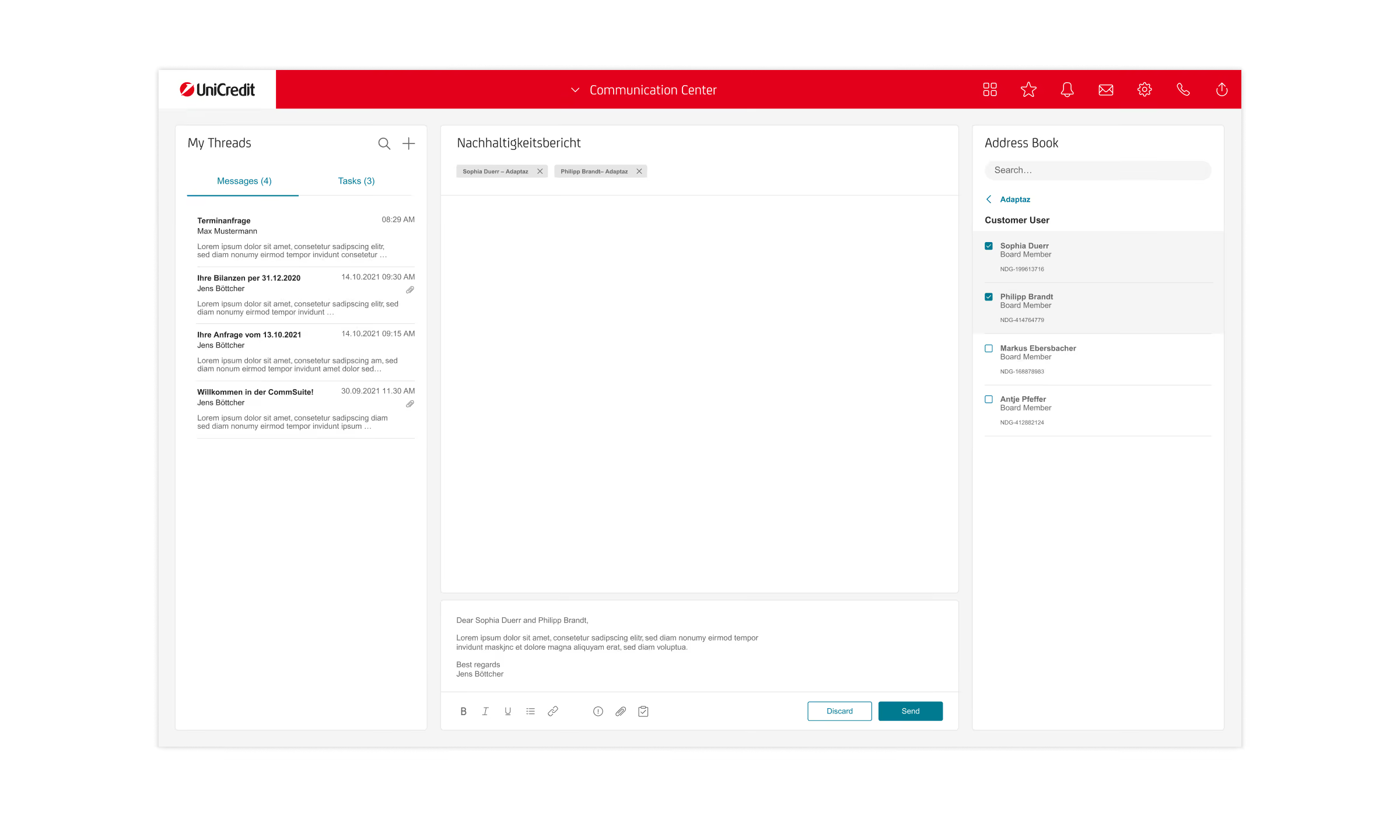
Elaboration of »Messages« Workflows

Elaboration of »Messages« Workflows

Solution
Define & Rollout
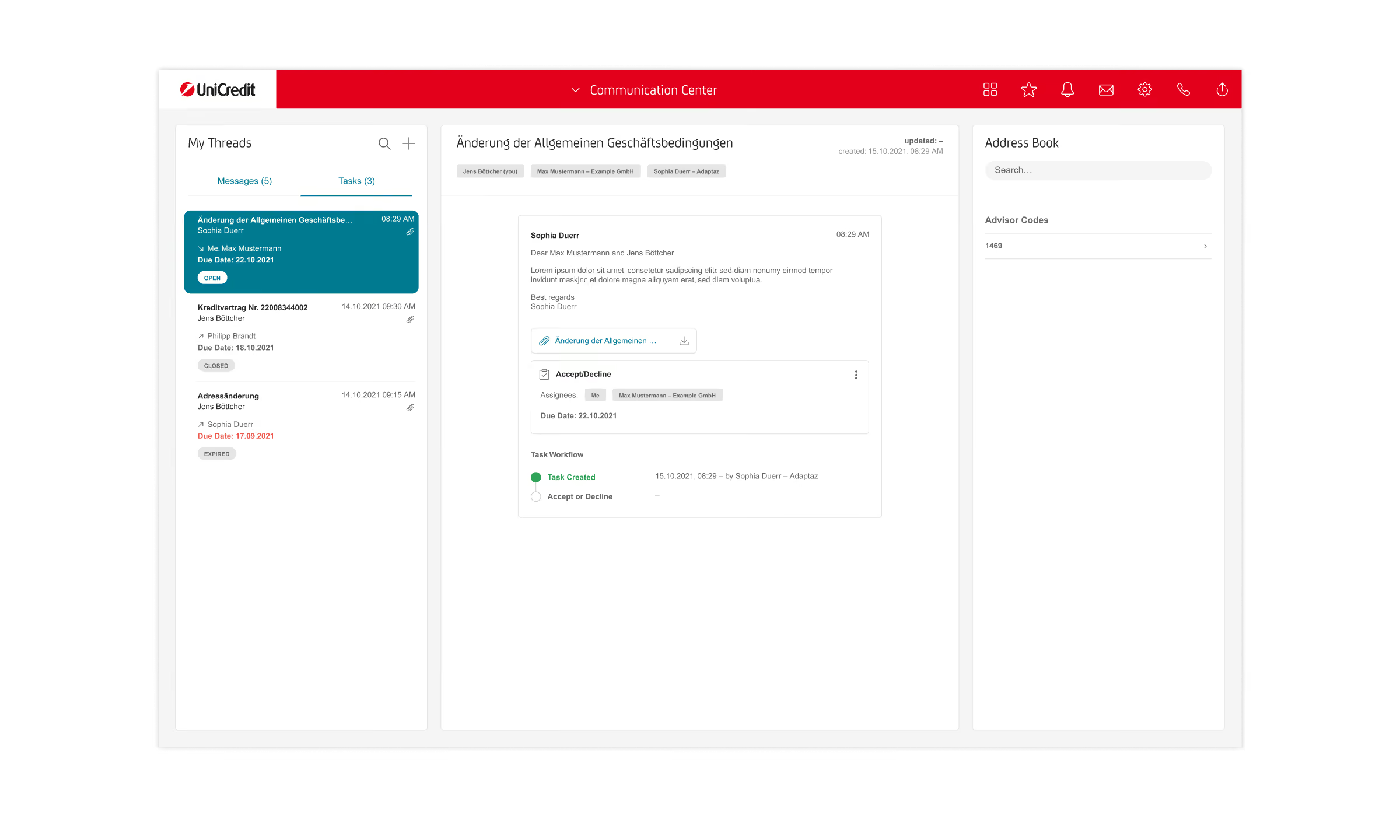
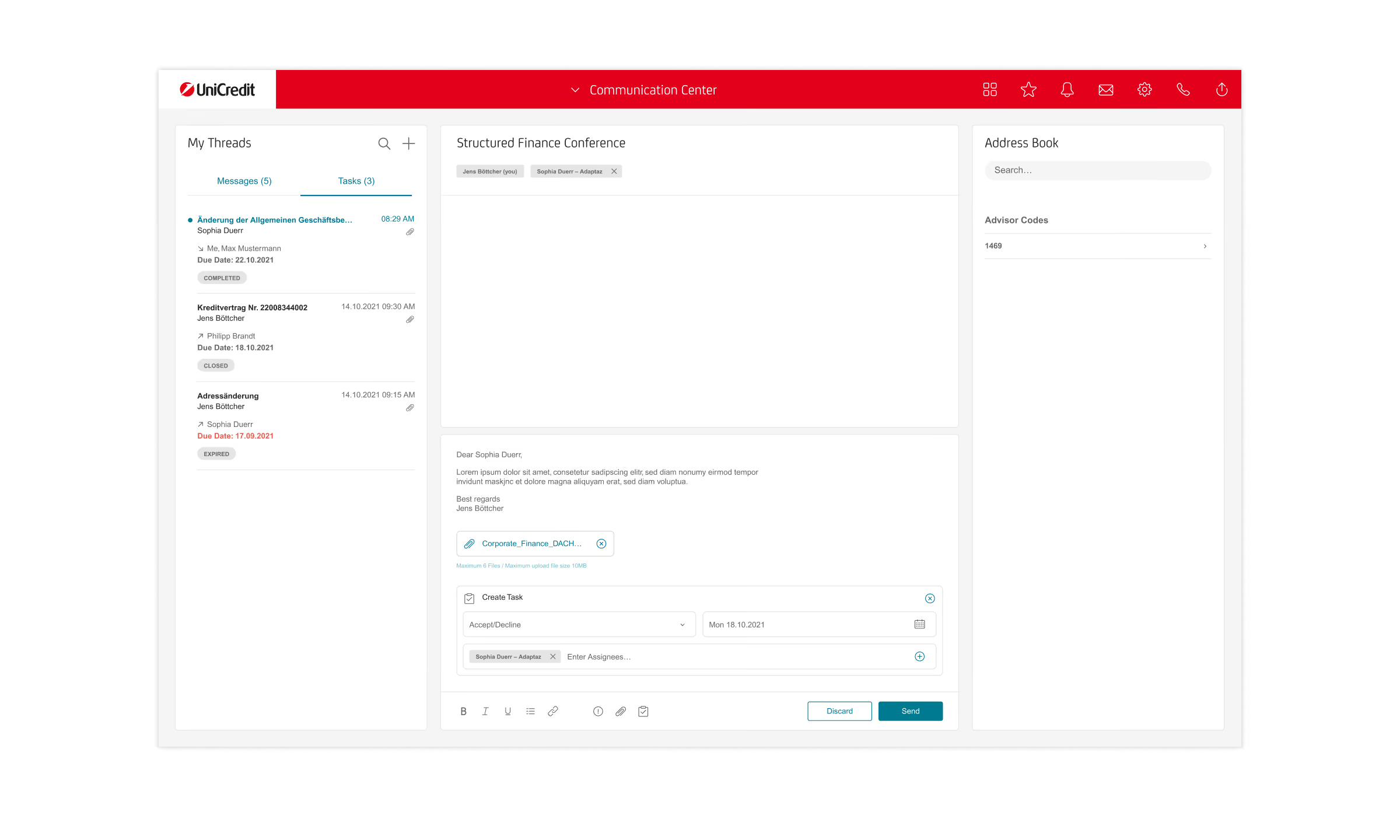
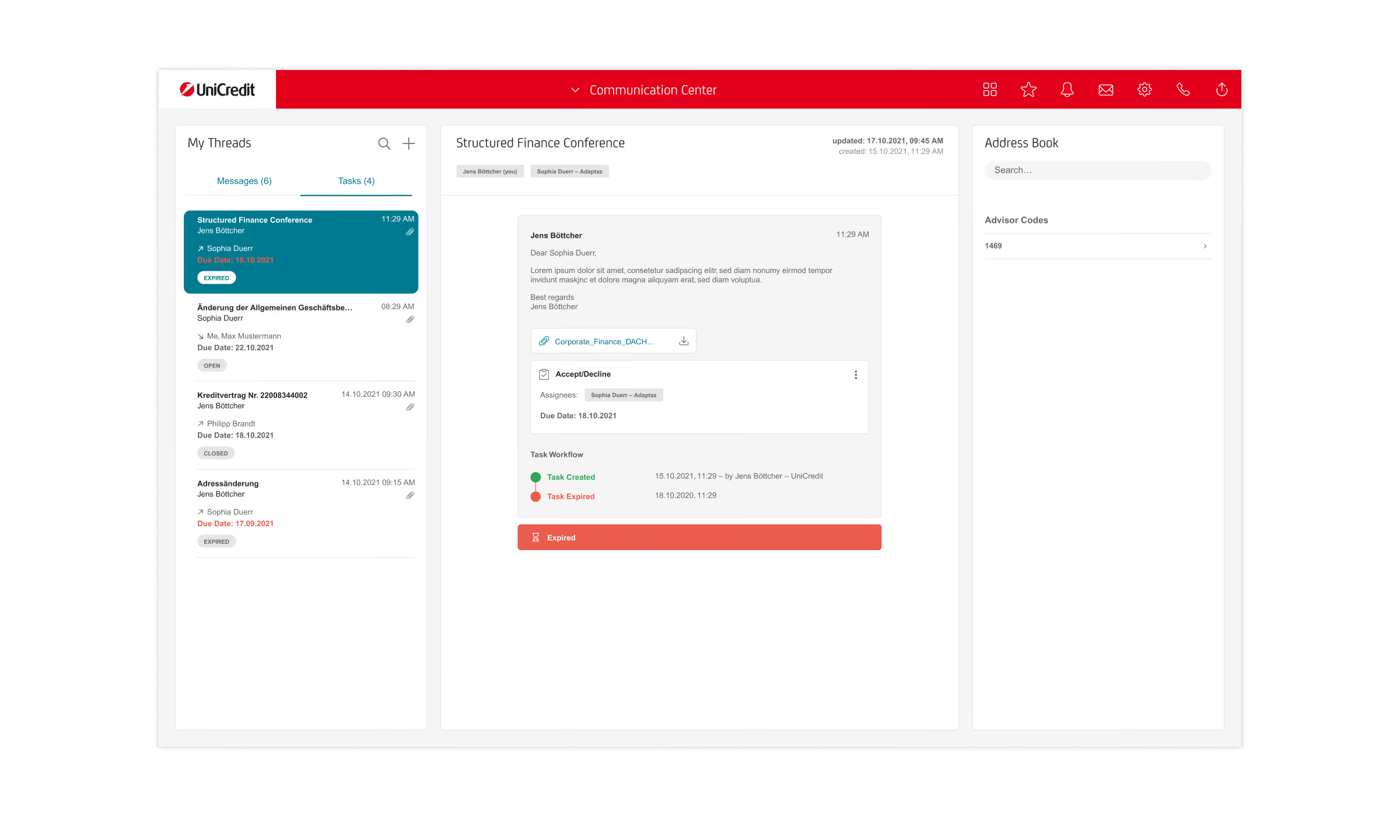
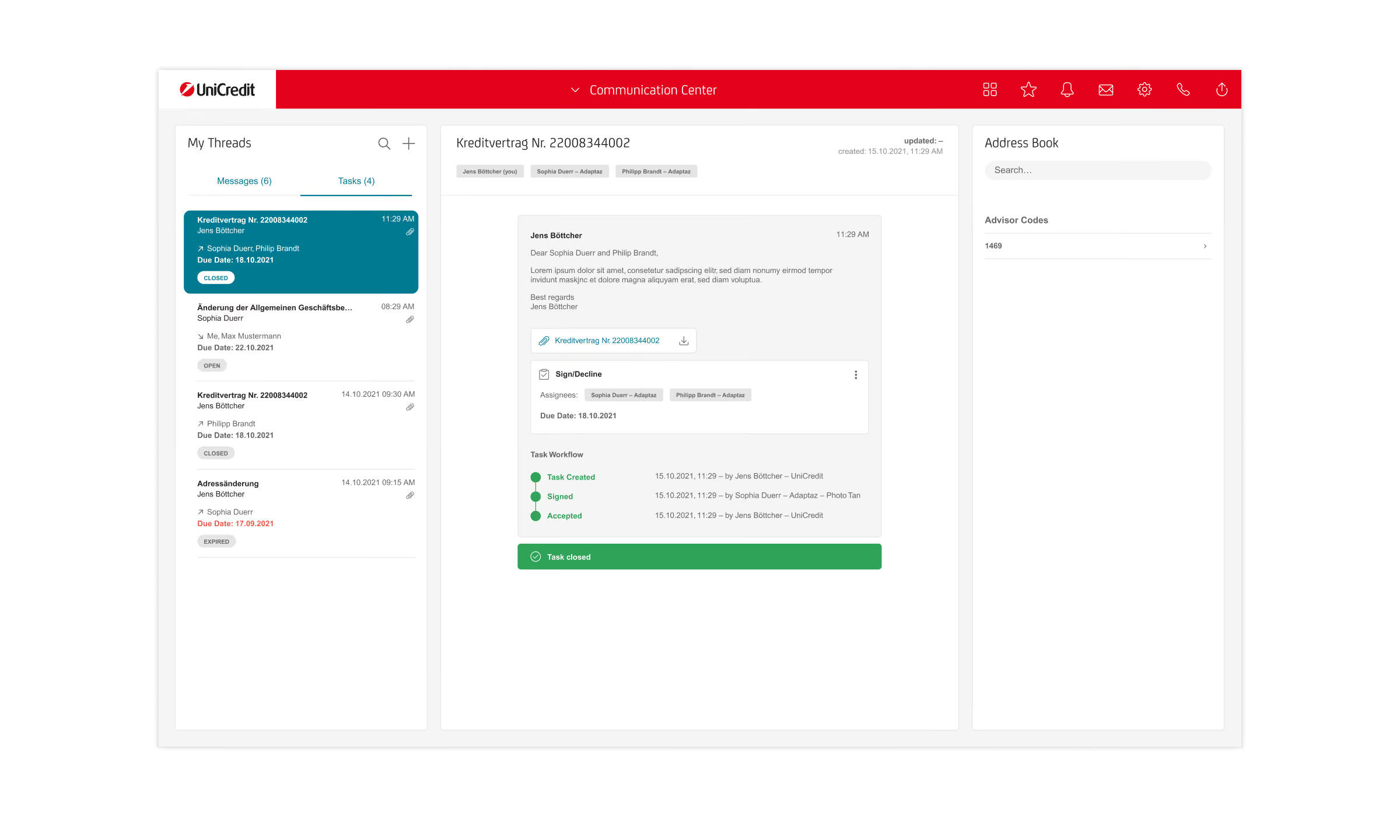
After several iterations and team discussions, we began bringing our vision for the modular brick system to life, starting with the Contact Brick (Address Book). From there, we gradually defined, refined, and implemented the surrounding workflows for both message and task management.
A key challenge was to account for the needs of both bank employees and corporate clients, ensuring that their respective workflows connected seamlessly to create a cohesive experience across both user journeys.
Elaboration of »Tasks« Workflows
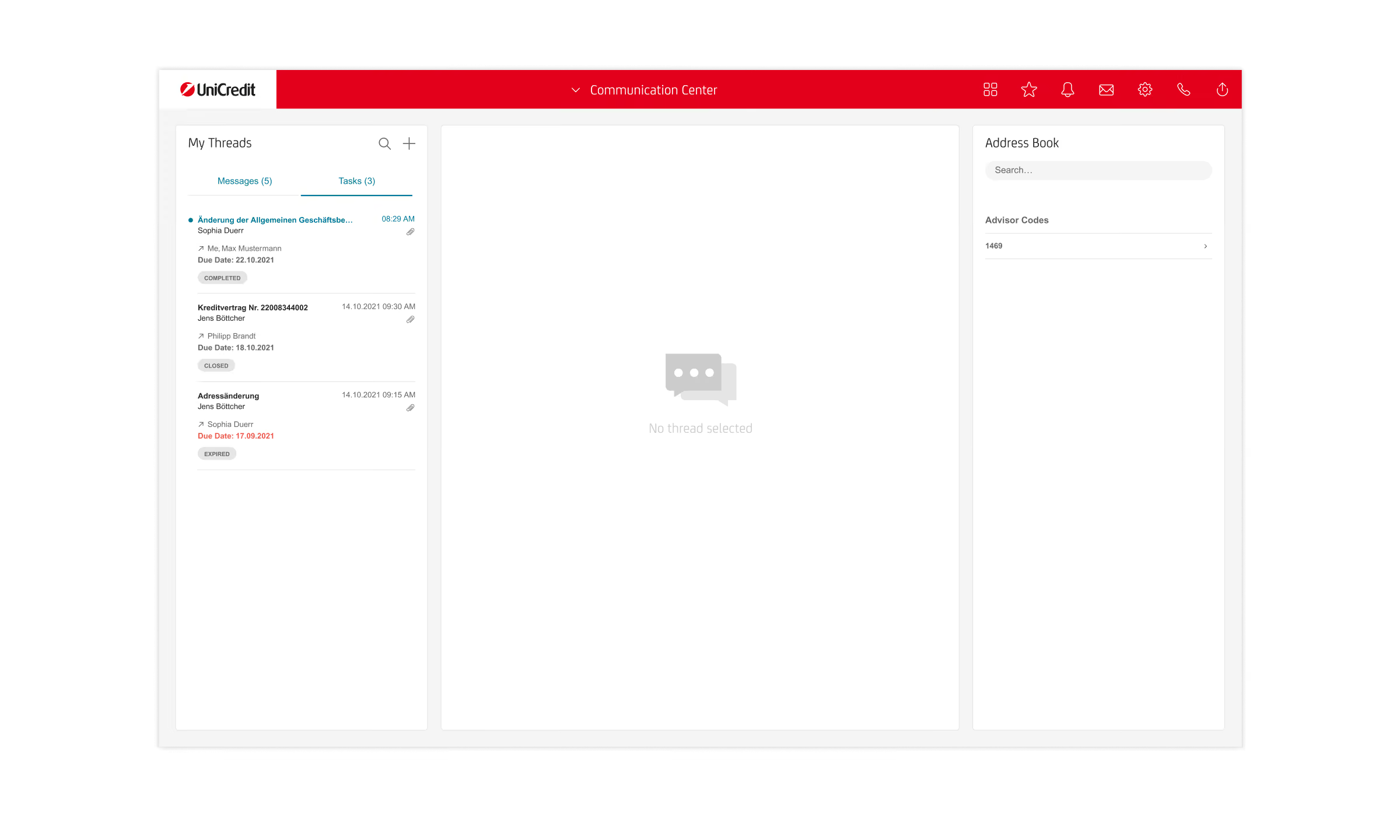
Elaboration of »Tasks« Workflows
Elaboration of »Tasks« Workflows
Elaboration of »Tasks« Workflows

Elaboration of »Tasks« Workflows
Elaboration of »Tasks« Workflows
Conclusion
Learnings & Impact
The project strengthened my understanding of agile product development and iterative UX/UI design. I learned to translate complex requirements into actionable design solutions, prioritize core functionalities, and adapt quickly to changing project needs. The Scrum process highlighted the value of continuous feedback and communication, and close team collaboration in developing a cohesive user experience.